
How to Choose the Best Stacked Monitor Deals on Black Friday

Are you thinking of upgrading your tech setup during Black Friday? With inflation looming, these 24 hours of lucrative deals and discounts are an excellent time to snag your favorite tech without making your bank account cry. This sentiment is echoed by shoppers, with 73% saying they plan to buy electronics on Cyber Week.
But what should you look for?
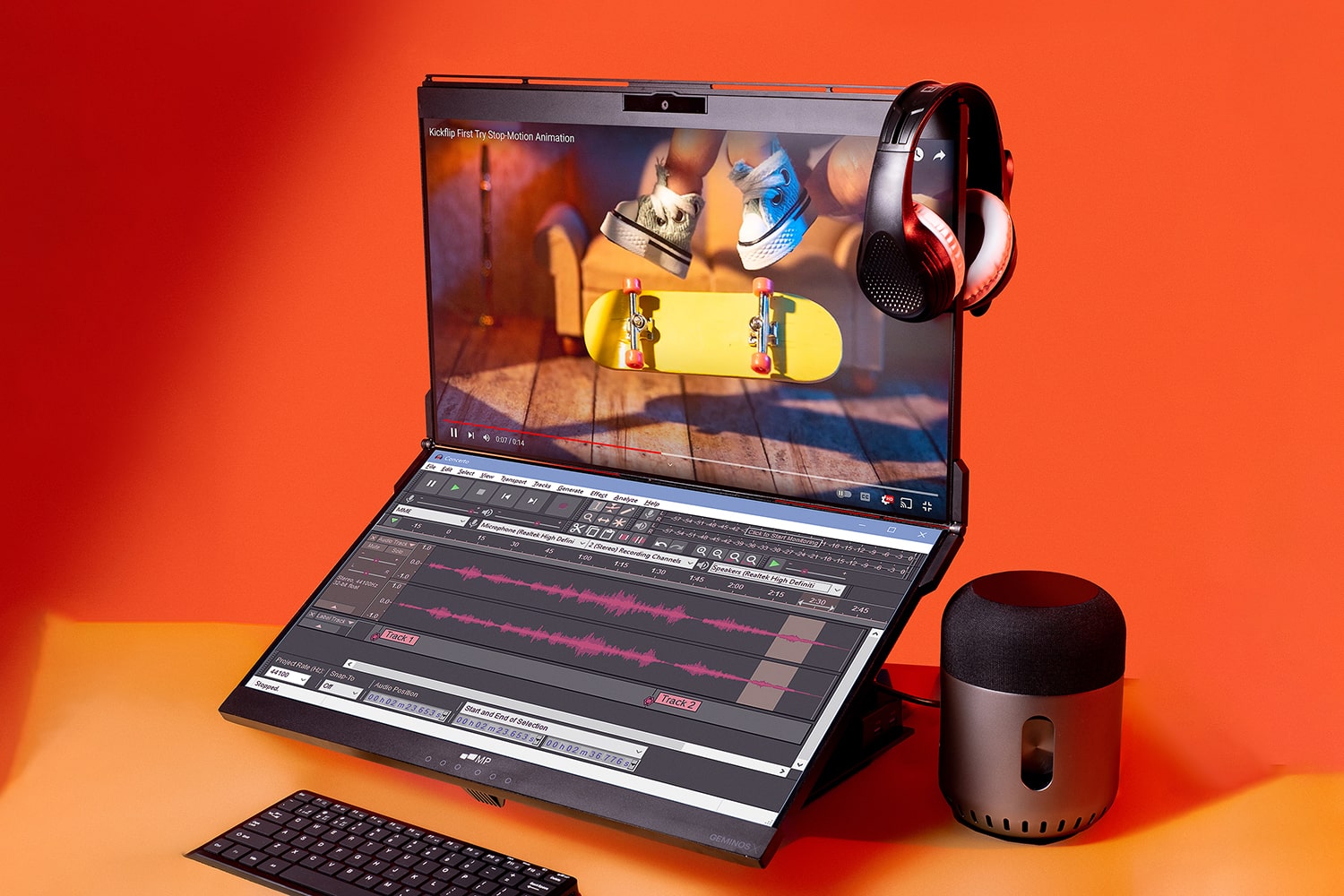
If you’re looking to increase your productivity and efficiency, while enjoying a state-of-the-art viewing experience, instead of waltzing the aisles with 4K laptops that cost a pretty penny or checking out side-by-side multi-monitor setups that increase neck-turning, invest in Geminos stacked monitors.
There’s a reason why 3,042 backers pledged $2,161,609 to bring it to life.
But don’t worry; we don’t make claims we can’t substantiate.
Consider these factors to choose the best dual monitor on a market that clocked $127.6bn in 2023, and you’ll see why Geminos reigned supreme in our search.
Screen Size
Go big or go home, right? Wrong.
With stacked monitors, bigger isn’t always better.
While a 34-inch powerhouse will increase the real estate landscape, opening doors for an immersive viewing experience, it will cause you to hold your neck in an awkward position. This could put pressure on the neck muscles, ligaments, and tendons.
But you can’t go with the smallest size either, as the font will appear small.
Our suggestion? Hit the sweet spot with two 24-inch screens; they’ll offer an unfettered viewing experience without taking up too much of your desk footprint.
Display Technology
Display technologies in stacked monitors have evolved, revolutionizing how we interact with images, videos, data, and other forms of media. Top displays include:
- LCD (Liquid crystal display), which has better image quality and offers a wider viewing angle. It also has a longer lifespan than most display panels.
- LED (Light-emitting diode) known for offering better contrast and color accuracy, faster response times and refresh rates, and greater brightness.
- OLED (Organic light-emitting diode), which offers fuller viewing angles, accommodates a range of true-to-life colors, and boasts self-emissive pixels.
They can be integrated with 4K UHD (Ultra High Definition) for crisp and clear views, HDR (High Dynamic Range) for exceptional color and brightness, and IPS (In-Plane Switching) for better color reproduction and optimal viewing angles.
What’s best for you will depend on your specific use case and industry.
For example, if you’re in the graphic design, photo/video editing, and gaming industries, IPS-Type LCD, as seen on Geminos, will be your number 1 choice.
Resolution
Screen resolution refers to the number of pixels on a monitor. It affects the clarity and fidelity of the images and text displayed, so it’s important you give it a thought.
- If you go smaller, you risk seeing blurry lines
- If you go higher, it will show images in crisp detail. However, because it changes the size of the pixels, font size and icons will appear smaller
That’s why it’s best to go with the industry standard: 1920×1080, also known as 1080p.
On a 24-inch screen, this resolution with more than 2 million pixels will allow you to unleash the full potential of your graphics card. It can handle pretty much everything with clear image quality, making it ideal for a vast majority of gamers.
If you have the budget, you can always upgrade. However, krememberthat even if you opt for the highest resolution, it will be limited by the original video resolution.
Refresh Rate
Refresh rate refers to the number of times a screen redraws an image per second.
The higher it is, the more information reaches your eyes in a given amount of time, and produces a smoother-looking screen with less motion blur. Most recommend aiming for at least 100 Hz for a top-tier gaming experience. Still, in my experience this level of high refresh rate is most suitable for high-level online competitive play.
If you enjoy casual gaming, 60 hertz will treat you well.
It’s good enough for playing most video games and for streaming, but if you play a lot of dynamic combat and firefight games like FPS (ffirst-personshooters) or enjoy fast-paced action movies, go for higher frame rates.
Take Your Viewing & Gaming Experience to the Next Level
By now, you must have a solid idea of your ideal stacked monitors.
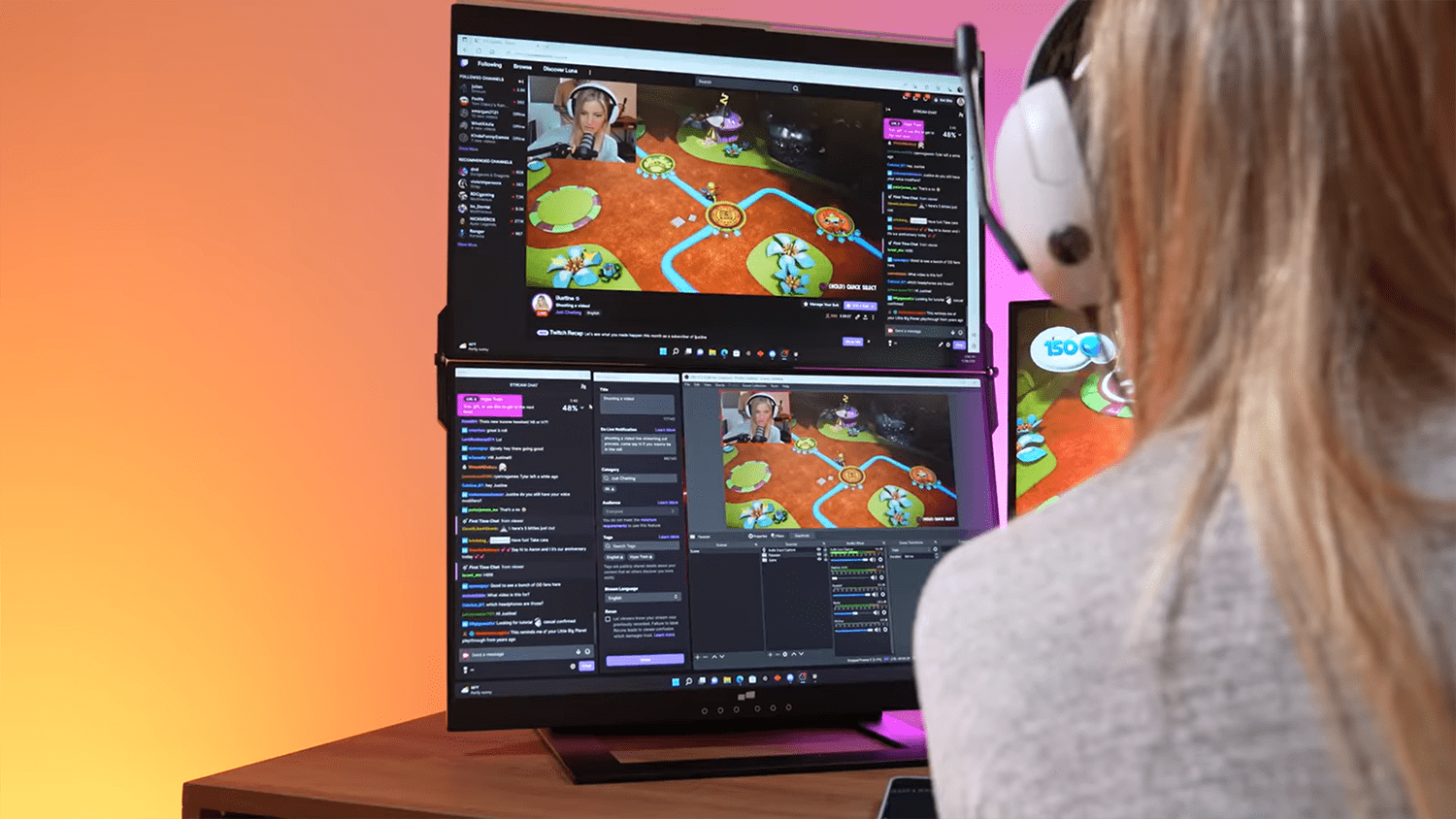
So, gear up to get your hands on the obvious winner from Mobile Pixels on Black Friday, when it’s available at a discount (no code required). And yes, it has 10-in-1 multiport docks that enable it to work with all full-featured USB-C laptops and mobiles.
There. We’ve quelled your only concern.
See you on 16th November? It’s a date. Don’t keep us waiting.